
MuRu Guard 5.0.0 Released: Virtual Patching & Secret Admin URL

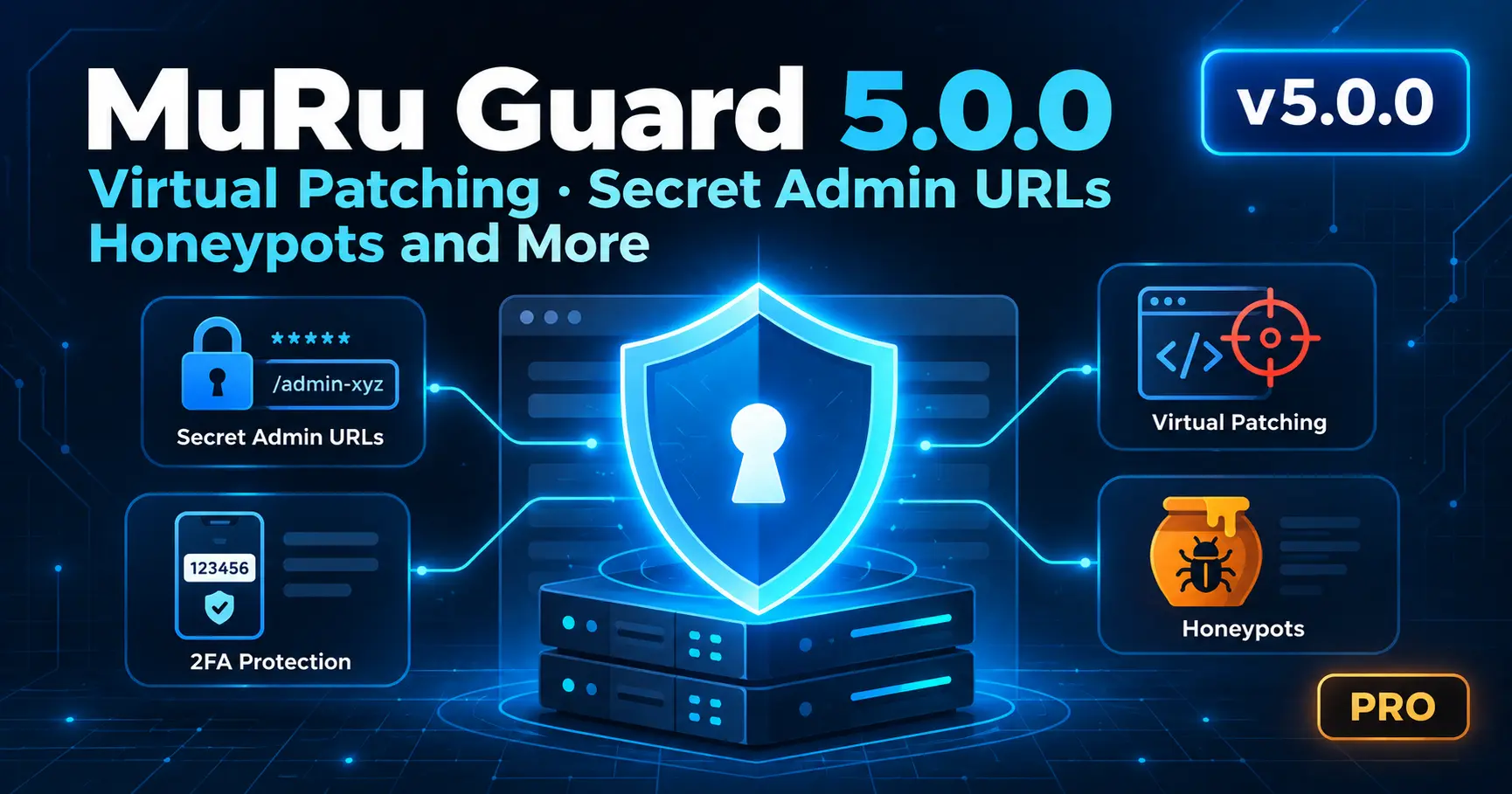
MuRu Guard 5.0.0 Released: Virtual Patching, Secret Admin URLs, Honeypots and More
MuRu Guard 5.0.0 is the biggest release of the Joomla security scanner so far. It adds nine Pro features aimed at the gaps that scanners, firewalls and update routines leave open: zero-day extension exploits disclosed faster than you can update, stolen admin credentials that walk past brute-force blockers, and quiet problems such as a blocklisted domain or an exposed backup file that nobody notices for weeks. The companion Shield plugin 2.0.0 ships alongside it.
Quick answer
5.0.0 adds virtual patching, a Vulnerable Extensions List check, a 17-point Global Configuration audit, a secret admin URL, 2FA enforcement, exposure probes with a one-click deny block, honeypot canaries, blocklist monitoring and a weekly digest. All nine require an active Pro license. Update through Joomla's updater or download the build from your Lyzerslab dashboard.
In this release
- Virtual patching
- Vulnerable Extensions List check
- 17-point Global Configuration audit
- Secret administrator URL
- 2FA enforcement for privileged logins
- Exposure probes and one-click deny
- Honeypot canaries
- Blocklist and reputation watch
- Weekly all-clear digest
- Joomla 3 support and what's next
- Frequently asked questions
Pro license required
Every feature below is gated on an active license, both in the controller and in the interface. Sites without an active license see a locked card and the server rejects the action. Existing free scanning, cleanup and real-time protection are unchanged.
Virtual Patching: Block the Exploit Before You Update the Extension
Between a CVE disclosure and your next maintenance window, the site is exposed, and "can't update yet" is the most common reason. Virtual patching narrows that window. Each rule is deliberately tight: a named component, a named parameter, a specific pattern and an expiry date. Shield evaluates these rules before generic pattern matching, logs every match, and blocks only when the Pro toggle is on.
Narrow by design
Per-CVE rules tied to one component and parameter, so legitimate traffic is not caught.
Test-a-Request preview
See exactly what each patch would match before you trust it in blocking mode.
Expiry built in
Expired rules log only, so a stale patch can never block traffic forever.
Rules are curated and delivered through the Lyzerslab dashboard feed, so you get protection without changing code on your site. A virtual patch is a stopgap, not a substitute for updating the extension.
Check Installed Extensions Against Joomla's Vulnerable Extensions List
The earlier update audit knew only a handful of version floors. 5.0.0 reads Joomla's official Vulnerable Extensions List (VEL), refreshed daily and fail-open on any fetch problem, and flags installed extensions as Vulnerable or Verify, with a direct link to each listing. Listings the scanner cannot parse degrade to "Verify" instead of passing silently.
Read the result correctly
The VEL is volunteer-maintained and does not cover every disclosed vulnerability. No row means "not on the list", not "safe". Treat it as one signal alongside updates and scans.
A 17-Point Audit of Global Configuration Settings
Many Joomla hardening steps live in Global Configuration, where no file scan looks. The new read-only audit card reviews 17 settings, including debug mode, error verbosity, session handling, cookie flags, Force HTTPS, SEF, the FTP layer, cache, mail sender, offline mode, webservices and MFA availability. Each row shows the current value, the recommended value and a deep link to the exact place to change it in Joomla. Nothing is changed automatically.
Secret Administrator URL
Every bot knows /administrator exists. With the secret URL enabled, requests to the backend without your secret key get a plain, brand-free 404 before Joomla creates a session, which removes most automated login traffic. Your own sessions keep working, and the frontend is unaffected.
- Lockout protection: a create-to-recover bypass file restores access, with no email or database edit required.
- Save-time reminder: a banner with a copy button shows your secret URL when you save.
- Graceful sessions: expired sessions fall through cleanly instead of dead-ending.
- Easy setup: one field under Site Protection, with a generate button and live URL preview.
A secret URL is obscurity layered on top of your other defenses, so keep strong passwords and 2FA in place.
2FA Enforcement: Nag First, Then Refuse
Weak or unprotected super-admin credentials remain a leading cause of Joomla compromises. 5.0.0 adds a two-stage control for Super Users and Administrators without a multi-factor method. First they see a nag banner. After a 7-day grace period, they are signed out until they enroll. A stolen password alone is no longer enough to use these accounts.
- Imported accounts with no grace record are nagged but never hard-refused.
- A bypass file covers emergencies.
- If the check itself fails, the login proceeds, so a bug can never lock you out.
Know What Is Exposed, Then Deny It in One Click
New live probes in the runtime verification modal check whether configuration backups and other sensitive files are actually reachable over HTTP. They report what the internet sees, not what your files claim. One click installs a managed .htaccess deny block that is backed up, self-tested and rolled back automatically if the test fails. Nginx sites get a ready-to-paste snippet instead.
Honeypot Canaries: Tripwires for Attackers
Most detectors look for known-bad patterns. Canaries look for impossible access instead. 5.0.0 plants a self-tripping decoy file in images/ and a blocked decoy Super User. Legitimate traffic never touches either, and the scheduled check emails you the moment one trips. Planting them is the opt-in, so there is no separate watch toggle to forget. The scanner excludes the canary from its own findings, and the Protected Users baseline excludes the decoy account.
Blocklist and Reputation Watch
A cleaned site can stay on Google Safe Browsing or a Spamhaus list for weeks, costing visitors and email deliverability with no sign inside Joomla. Scheduled self-checks now query Google Safe Browsing (using your own API key) and Spamhaus ZEN for your server's IP, and email you only on a change: newly listed or recovered. Recovery needs two consecutive clean reads, so one flaky lookup never pages you. DNS or API failures report "could not verify", never "listed".
The Weekly All-Clear Digest
One plain-text email on a 6-day cadence summarizes the week: ALL-CLEAR when quiet, NEEDS-REVIEW with eight key signals when something needs attention. It also works as a heartbeat. If the digest stops arriving, your cron or mail is broken, and the silence is the alarm. Agencies get a clear signal that each site is still being watched.
Also New: A Slimmer Security Score
The dashboard score is now one slim strip showing the badge, status and issue count. It expands on click into a compact two-column list, so it no longer pushes the rest of the dashboard off screen.
Joomla 3 Support and What's Next
The same feature set ships for the Joomla 3 line as component 3.0.0 with Shield 2.2.0, adapted to Joomla 3 APIs, with the same Pro gates and the same test suite.
Planned for 5.1.0
No-execute protection for upload directories, a database privilege audit, an admin-action digest, update-server hijack watching, SPF/DKIM/DMARC checks and live security-header verification. Plans may change, so follow the roadmap for updates.
Upgrade Checklist
Quick reference
- Back up your site, then update through Joomla's updater or install the build from your dashboard.
- Confirm your Pro license shows as active.
- Run the Global Configuration audit and fix any failing rows.
- If you enable the secret admin URL, save the URL and bypass-file instructions first.
- If you enable 2FA enforcement, enroll your own account before the grace period ends.
- Review Test-a-Request previews before turning virtual patch blocking on.
Frequently Asked Questions
Are the 5.0.0 features free or Pro?
All nine new features require an active Pro license. Existing scanning, cleanup and real-time protection are unchanged.
Does it support Joomla 3?
Yes. Component 3.0.0 with Shield 2.2.0 carries the same features for Joomla 3.
Can the secret admin URL lock me out?
It is designed to prevent that. A bypass file restores access without email or database edits, and a reminder banner shows your URL when you save it.
Does virtual patching replace updating extensions?
No. It narrows the exposure window until you can update. Always apply the vendor's fix.
Security in 2026 is less about a single scan and more about covering the gaps between them. 5.0.0 targets those gaps: the window before a patch, the settings no scan reads, and the signals that go quiet when something breaks.
MuRu Guard 5.0.0
Joomla security scanner with virtual patching, secret admin URL, 2FA enforcement and honeypots. Available now for active licenses.
Comments (0)
No comments yet. Be the first to comment!