
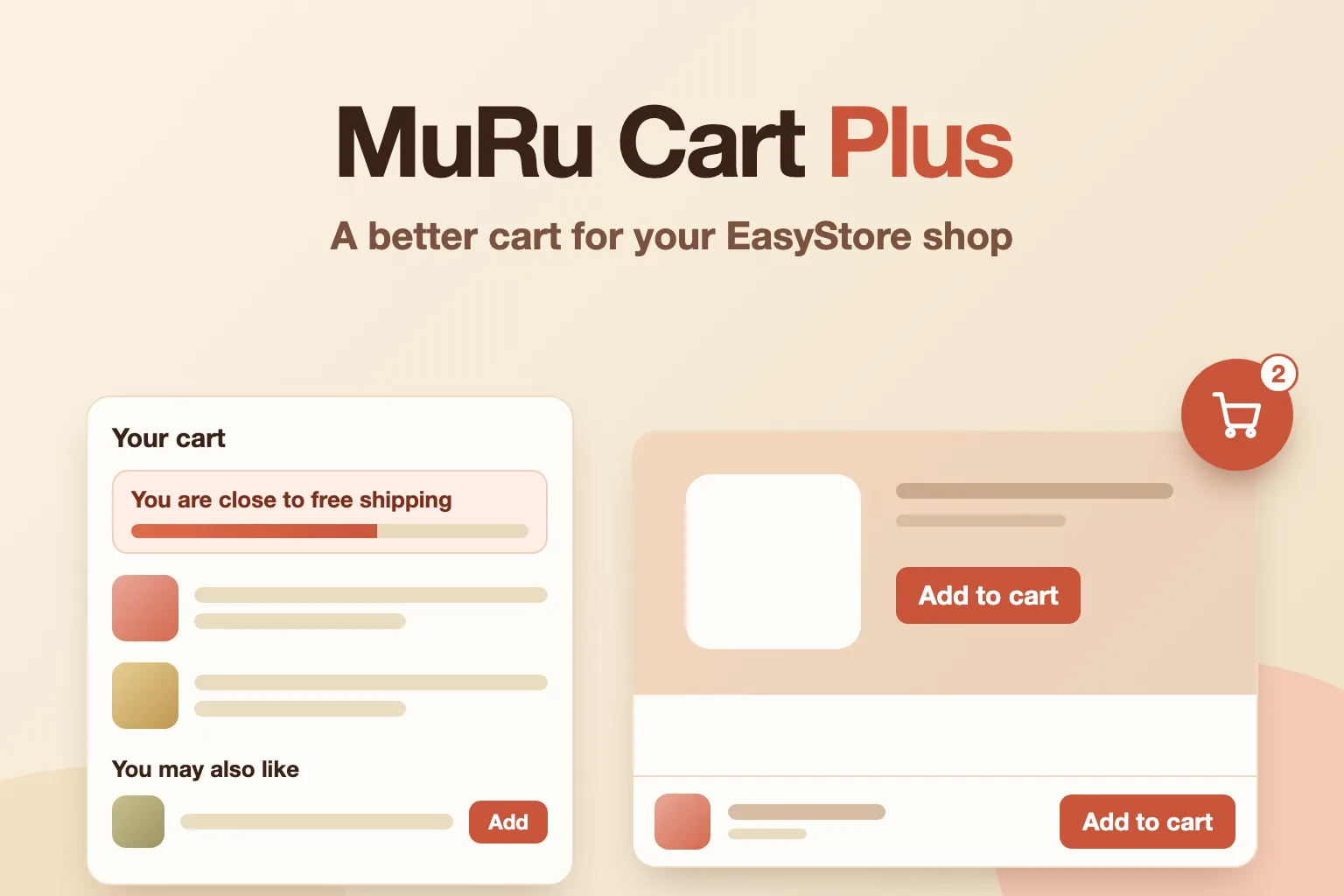
A better cart for your EasyStore shop.
Keep the buy button in reach with a sticky add-to-cart bar, nudge bigger orders with a free-shipping progress bar and one-click add-ons, and add a floating cart on every page with Pro. It sits beside EasyStore and your template without editing either, so updates do not remove it.
- Free edition
- Pro for the floating cart and styles
- No template overrides
On this page
What it does for you
Sticky add-to-cart bar
Once the real button scrolls out of view, a bar with the product, its price and the add-to-cart button stays at the bottom of the screen.
Free-shipping progress bar
Shows how much more a customer must add to get free shipping, in the cart, the cart drawer and at checkout.
One-click add-ons
The cross-sells you already set up in EasyStore also appear in the cart drawer and at checkout, with an Add button.
Floating cart (Pro)
A cart button or bar on every page of your site that opens EasyStore's cart drawer, with the item count, left or right, and your choice of shape, size and motion.
Built for updates
No template overrides and no edits to EasyStore, so a template or EasyStore update does not replace or remove it.
Several currencies and languages
With EasyStore's multi-currency, the shipping bar reads the total in the visitor's currency and format. Texts come from language files, so each language gets its own wording.
Uses EasyStore's own buttons
The sticky bar presses EasyStore's own add-to-cart button, so variants, quantity and stock rules work as before.
Screenshots
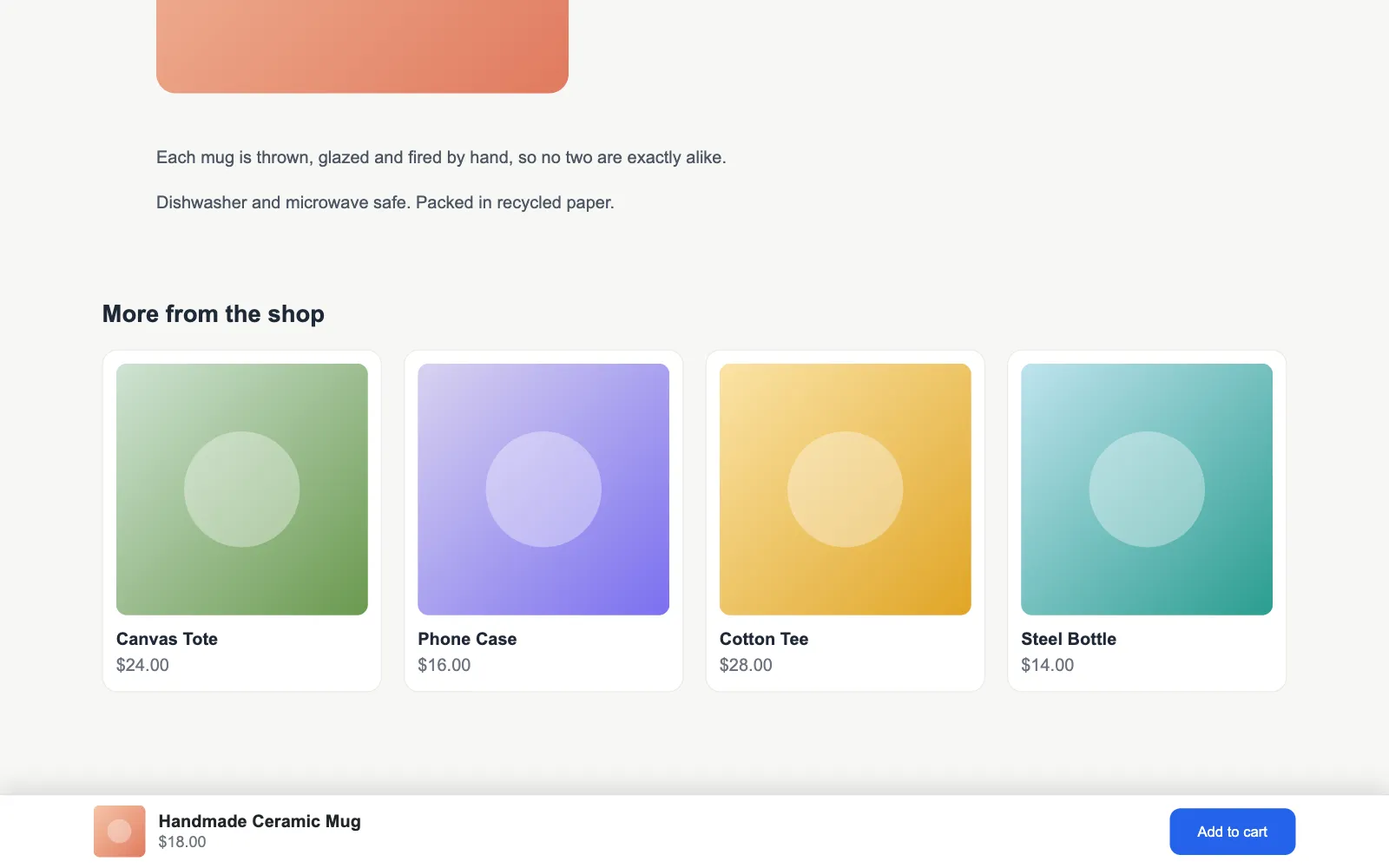
Sticky add-to-cart bar: once the real button scrolls out of view, a bar with the product, price and button stays in reach.
Set it up in three steps
- 1
Install the Free package
Upload the package in Extensions, Install. The plugin is switched on for you.
- 2
Choose your parts
Open the plugin settings and switch on what you want. For the shipping bar, enter the amount that earns free shipping.
- 3
Add Pro when you want more
Install the Pro package on top, enter your license key, and the floating cart, styles and Look options appear.
Installation, the license and every setting are in the documentation
Free and Pro
Free
The sticky add-to-cart bar, the free-shipping progress bar and up to three one-click add-ons, with currency and language support. No license key needed.
Pro
Adds the floating cart (button or bar) with page rules, shapes, sizes and motion, sticky bar styles, your template's colour preset and styles, your own CSS, up to six add-ons, and updates with your license key.
Everything it does
The highlights by part. The documentation covers each setting.
Product page
Sticky add-to-cart bar
Product picture, name, price and button, shown once the real button has scrolled out of view.
Follows the price
When a variant changes the price or the button text, the bar changes with it.
Phones only option
Show the bar only on screens up to 767 px wide, and set your own button text.
Sticky bar stylesPro
A full-width bar, a rounded card that floats off the edge, or one slim line without the picture.
Cart and checkout
Free-shipping progress bar
The amount still missing, a progress bar, and a message when free shipping is reached. Display only: the shipping rule stays in EasyStore.
Cart page, drawer and checkout
Show the bar in any of the three places.
One-click add-ons
EasyStore's cross-sell products, in the cart drawer and at checkout, added through EasyStore's own cart endpoint.
Several currencies
On a multi-currency shop the bar reads the total the visitor sees and writes the missing amount in their currency format. Type an amount per currency, or let EasyStore's exchange rate decide.
Every language
Headings and messages come from language files, so each language of a multilingual site gets its own wording. Product names and prices follow EasyStore's own translations.
Up to six add-onsPro
Free shows up to three suggestions; Pro raises that to six.
Options for variants
A product with variants links to its page instead of adding a guess.
Floating cart
Page rulesPro
Keep it off the cart, checkout or product pages, and show it only when the cart has something in it.
Shape, size and motionPro
Circle, rounded square or square; small, medium or large; a bump when something is added or a gentle pulse. Motion is off for visitors who ask for less.
Look
Your template's coloursPro
The bars take the colours of your Helix template's current colour preset, so they follow the preset you pick.
Styles and cornersPro
Light, Accent (filled) or Dark, with rounded or square corners.
Your own CSSPro
A box in the settings for your own CSS, kept in the plugin's settings so a template update does not touch it.
Built to last
License and updatesPro
Activate your key in the Pro plugin, verify it with one click, and see whether a newer version is available.
No overrides, no edits
Its own plugin, media folder and settings. Nothing in the template or in EasyStore is changed.
Switches itself off safely
If a part cannot find its place on the page, it does nothing and the shop keeps working.
Comes back after a redraw
EasyStore redraws the drawer and checkout. The boxes are put back.
EasyStore version check
The settings screen shows the EasyStore version found and whether this release was written for it.
Settings, examples and walkthroughs for every feature are in the documentation
What's new
Version 1.0.0 · 25 October 2026
- Sticky add-to-cart bar — A bar with the product, price and button appears once the real button scrolls out of view.
- Free-shipping progress bar and one-click add-ons — Free shipping progress in the cart, drawer and checkout, and EasyStore's cross-sells with an Add button that updates the cart at once.
- Several currencies and languages — The shipping bar follows the visitor's currency and format, and every text comes from the language files.
- Pro: the floating cart — A cart button or bar on every page, with page rules, shapes, sizes and motion.
- Pro: styles, colours and your own CSS — Sticky bar styles, your template's colour preset, Light, Accent or Dark, and your own CSS.
- Pro: license and updates — Activate and verify your key, and check for updates from the plugin's settings.
Requirements
- Joomla 4.4, 5 or 6
- PHP 8.1 or later
- EasyStore 3.x or 1.7 installed
- Pro: the free add-on, and a license key
- GPL v2 or later
Frequently asked questions
Give your EasyStore cart a little help
A bar that follows the customer, a nudge to free shipping, one-click add-ons, and with Pro a floating cart on every page. Nothing in your template or EasyStore is touched.