
Accessible Modal Dialogs: WCAG 2.2 AA Focus Guide for Joomla

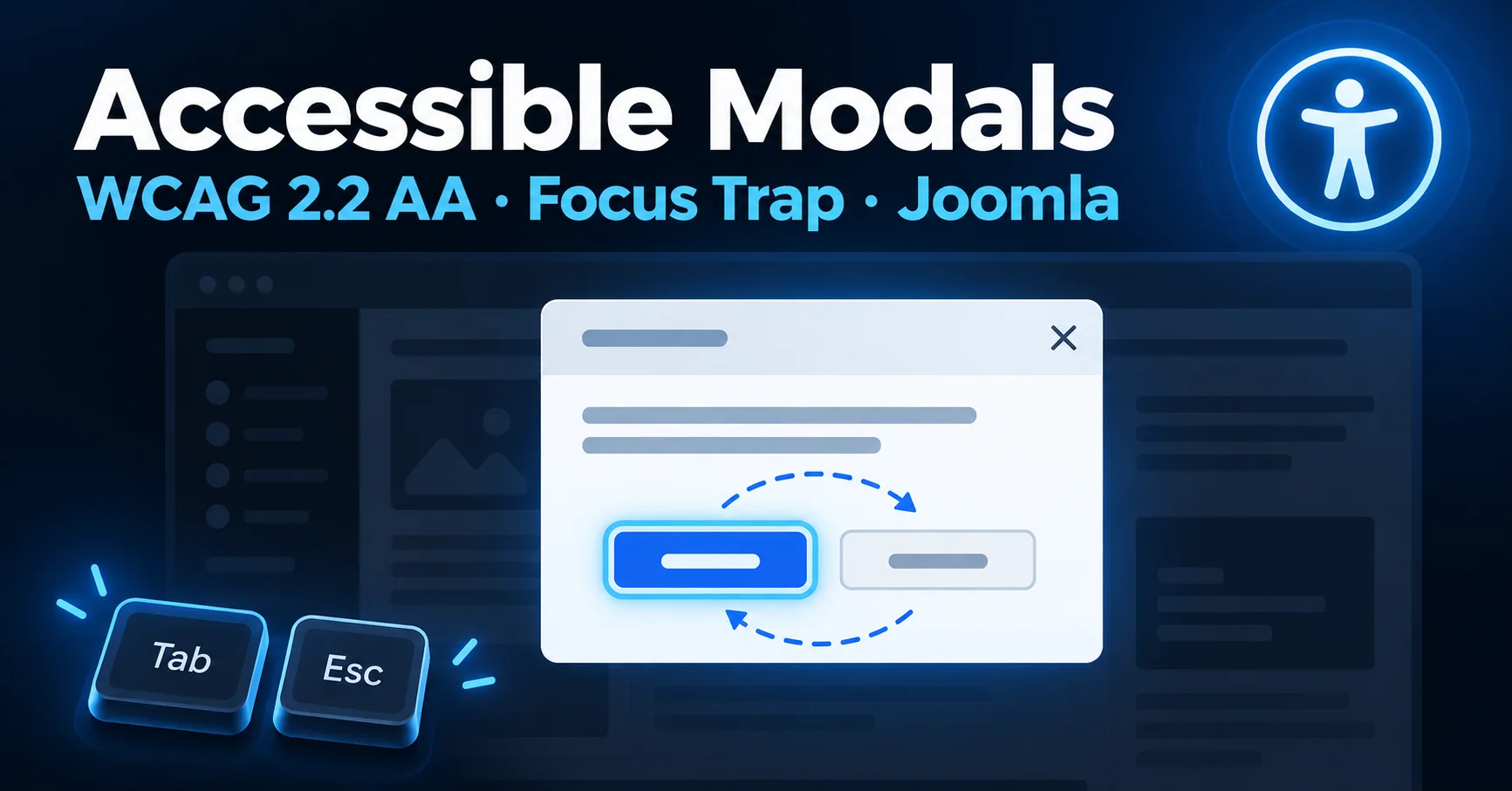
Accessible Modal Dialogs: How to Manage Focus for WCAG 2.2 AA on Joomla
An accessible modal dialog moves focus into the popup when it opens, keeps Tab inside it, closes on Escape, and returns focus to the trigger button afterwards. Modals, popups and lightboxes are common on small-business and agency sites for lead capture, galleries and confirmations, and they are also a frequent source of accessibility failures under WCAG 2.2 AA and the European Accessibility Act (EAA). This guide shows the markup and JavaScript to get them right in Joomla overrides, template layouts and page builders.
Quick answer
Use the native <dialog> element with showModal() where you can. For custom modals, add role="dialog", aria-modal="true" and aria-labelledby, then handle focus placement, Tab containment, Escape and focus restoration in JavaScript.
In this guide
- The four requirements of an accessible modal
- Accessible modal markup and ARIA attributes
- Focus trap and restoration with JavaScript
- Auditing modal accessibility on Joomla
- Best practices for Joomla template overrides
- Action checklist
- Frequently asked questions
The Four Requirements of an Accessible Modal Dialog
A modal supports several WCAG 2.2 AA success criteria, including 2.1.1 Keyboard, 2.1.2 No Keyboard Trap, 2.4.3 Focus Order and 4.1.2 Name, Role, Value. In practice that means following four behaviors from the ARIA Authoring Practices dialog pattern:
Focus placement
When the modal opens, move focus inside it, to the first interactive element or the dialog container.
Focus containment
Tab and Shift + Tab cycle only within the open modal, never into the page behind it.
Escape key handling
Pressing Escape closes the modal. This is what keeps focus containment from being a keyboard trap.
Focus restoration
On close, focus returns to the element that launched the modal.
A note on the EAA
The European Accessibility Act points to the harmonized standard EN 301 549, which currently maps to WCAG 2.1 AA. Building to WCAG 2.2 AA satisfies that and covers the newer criteria as well.
Accessible Modal Markup and ARIA Attributes
The native HTML <dialog> element opened with showModal() handles most of these requirements for you. It moves focus into the dialog, makes the rest of the page inert, closes on Escape and restores focus to the trigger in modern browsers. Inside custom Joomla overrides, template layouts or page builders, you often need custom markup and script logic instead. Set these ARIA attributes on the container:
<div id="demo-modal"
class="modal-overlay"
role="dialog"
aria-modal="true"
aria-labelledby="modal-title"
hidden>
<div class="modal-content">
<h2 id="modal-title">Subscribe to Updates</h2>
<p>Enter your email to receive our monthly technical guides.</p>
<button id="close-modal" aria-label="Close dialog">×</button>
</div>
</div>
role="dialog" identifies the element as a dialog window, and aria-labelledby gives it an accessible name. aria-modal="true" signals that content outside the dialog should be treated as inert, but it does not enforce that: it does not trap focus, and screen reader support varies. For reliable behavior, also apply the inert attribute to the background content while the modal is open, and keep the JavaScript below.
Common CSS gotcha
If your CSS sets display: flex on .modal-overlay, it can override the hidden attribute and leave the modal visible. Add .modal-overlay[hidden] { display: none; }.
Focus Trap and Focus Restoration with JavaScript
Without explicit handling, pressing Tab inside a custom modal eventually leaves the dialog and lands on links on the page behind the overlay. The script below stores the trigger element, moves focus into the modal, keeps Tab and Shift + Tab cycling inside it, closes on Escape and restores focus on close.
let previousActiveElement = null;

const FOCUSABLE = 'a[href], button:not([disabled]), input:not([disabled]):not([type="hidden"]), select:not([disabled]), textarea:not([disabled]), [tabindex]:not([tabindex="-1"])';

function openModal(modalEl) {
  previousActiveElement = document.activeElement;
  modalEl.removeAttribute('hidden');

  const focusables = modalEl.querySelectorAll(FOCUSABLE);
  if (focusables.length) focusables[0].focus();

  document.addEventListener('keydown', handleKeyDown);
}

function closeModal(modalEl) {
  modalEl.setAttribute('hidden', '');
  document.removeEventListener('keydown', handleKeyDown);

  if (previousActiveElement) {
    previousActiveElement.focus();
    previousActiveElement = null;
  }
}

function handleKeyDown(event) {
  const modalEl = document.querySelector('.modal-overlay:not([hidden])');
  if (!modalEl) return;

  if (event.key === 'Escape') {
    closeModal(modalEl);
    return;
  }

  if (event.key !== 'Tab') return;

  const focusables = modalEl.querySelectorAll(FOCUSABLE);
  if (!focusables.length) return;

  const first = focusables[0];
  const last = focusables[focusables.length - 1];

  if (event.shiftKey && document.activeElement === first) {
    event.preventDefault();
    last.focus();
  } else if (!event.shiftKey && document.activeElement === last) {
    event.preventDefault();
    first.focus();
  }
}
Auditing Modal Accessibility Across Your Joomla Site
Accessibility can regress whenever clients update content. Periodic automated scanning helps surface missing labels, broken heading hierarchies and missing ARIA attributes before a compliance audit does. Automated tools only detect part of the problem, though. Focus placement, focus trapping and focus restoration in modals still need a manual keyboard and screen reader test.
If you manage auditing inside Joomla, MuRu Compliance Auditor offers a native way to monitor WCAG 2.2 AA and EAA compliance over time, tracking issues and generating dated VPAT and PDF reports from your administration panel.
Best Practices for Joomla Module and Template Overrides
Tip 1: Hide closed modals properly
Use the hidden attribute or display: none so a closed modal leaves the tab order and accessibility tree. Hiding with only opacity: 0 or off-screen positioning leaves invisible focusable elements behind. Never hide a modal while focus is still inside it: move focus back to the trigger first.
Tip 2: Check contrast inside the dialog
Dialog text needs at least 4.5:1 contrast against its own background, and the close button and form control boundaries need at least 3:1. A dimmed backdrop helps users focus on the dialog, but it does not replace these checks.
Tip 3: Never rely on click-outside alone
Closing on backdrop click helps pointer users, but keyboard users need a visible close button with an accessible name, plus Escape support.
Action Checklist
Quick reference
- Prefer native
<dialog>withshowModal()in markup you control. - For custom modals, add
role="dialog",aria-modal="true"and a label. - Move focus in on open, contain Tab, close on Escape, restore focus on close.
- Apply
inertto the background while the modal is open. - Give the close button an accessible name and at least 3:1 contrast.
- Test every modal with a keyboard only, then with a screen reader.
Frequently Asked Questions
Does aria-modal="true" trap focus?
No. It is a hint to assistive technology that outside content is inert, but browsers do not enforce it and support varies. You still need JavaScript focus handling, or the native dialog element, and ideally inert on the background.
Is a focus trap a WCAG failure?
No. Containing focus inside an open modal is the expected pattern, as long as users can leave with Escape or a visible close button, so 2.1.2 No Keyboard Trap is not violated.
Should I use the native dialog element instead of a custom modal?
Where you control the markup, yes. Custom markup is mainly needed inside page builders and legacy Joomla template overrides.
Can an automated scanner check modal accessibility?
Only partly. Scanners catch missing labels and roles, but focus behavior needs a manual keyboard and screen reader test.
Most modal failures come down to the same four behaviors: where focus goes on open, where it can travel while open, how the user leaves, and where focus lands afterwards. Get those right and the rest is polish.
MuRu Compliance Auditor
Monitor WCAG 2.2 AA and EAA compliance on your Joomla site from the administration panel.
Comments (0)
No comments yet. Be the first to comment!