
Designing Accessible Joomla Navigation: Skip Links and Focus States

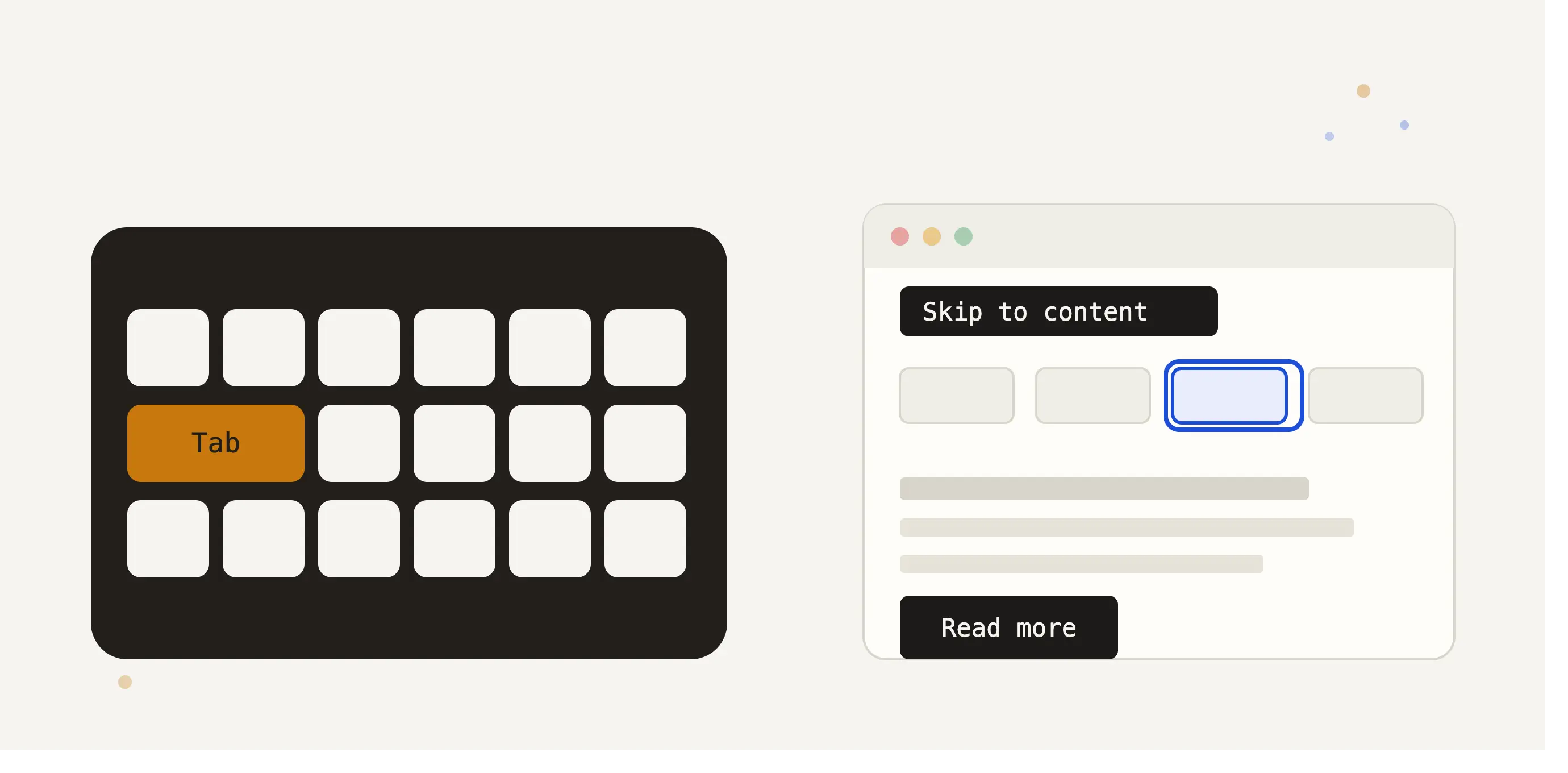
The Role of Keyboard Navigation in Web Accessibility Compliance
For users with motor disabilities, visual impairments, or those who simply prefer not to use a mouse, keyboard navigation is the primary gateway to your Joomla website. Under international accessibility frameworks like the Americans with Disabilities Act (ADA) Title III, the European Accessibility Act (EAA), and the Web Content Accessibility Guidelines (WCAG) 2.2, keyboard accessibility is not optional—it is a legal and functional requirement.
Two critical components of a keyboard-accessible website are bypass blocks (commonly known as "skip links") and highly visible keyboard focus indicators. This guide provides a practical, step-by-step approach to implementing these elements within your Joomla templates, helping your business or agency maintain strict compliance.
Implementing a 'Skip to Main Content' Link in Joomla
When a keyboard-only user lands on a webpage, they must navigate through every single header link, social icon, and navigation menu item before reaching the primary article or product description. On complex sites with mega-menus, this can require dozens of keystrokes on every single page load.
WCAG 2.4.1 (Bypass Blocks) requires a mechanism to bypass repetitive content blocks. The standard solution is a "Skip to Main Content" link. This is an off-screen link placed at the very top of the HTML document structure that becomes visible only when it receives keyboard focus.
Step 1: Adding the Skip Link to Your Joomla Template Override
To implement this, you need to modify your Joomla template's primary structure. The safest way is to edit your active template's main layout file, typically found at /templates/[your_template]/index.php. Add the anchor link immediately after the opening <body> tag:
<a class="skip-link" href="#main-content">Skip to Main Content</a>Step 2: Identifying the Main Target
Next, locate where your primary component area or main content starts in the same index.php file (usually surrounding the <jdoc:include type="component" /> tag) and assign the matching ID:
<main id="main-content" tabindex="-1">
    <jdoc:include type="component" />
</main>
Adding tabindex="-1" ensures that browsers or screen readers successfully shift the keyboard focus to the main container when the skip link is activated, without making the main container itself tab-focusable in the normal sequence.
Step 3: Styling the Skip Link with CSS
The skip link should remain hidden from visual users but immediately slide or fade into view when focused. Add the following CSS to your template's custom stylesheet (for example, the custom.css file in your template editor):
.skip-link {
    position: absolute;
    top: -100px;
    left: 0;
    background: #000;
    color: #fff;
    padding: 10px 20px;
    z-index: 9999;
    transition: top 0.2s ease;
}

.skip-link:focus {
    top: 0;
    outline: 3px solid #ffbf00;
}
Styling Distinct, High-Contrast Focus States
WCAG 2.4.7 (Focus Visible) dictates that any keyboard-focusable element (links, buttons, form fields, and dropdowns) must have a visually distinct indicator when focused. Relying on default browser outlines is risky because some browsers have minimal indicators, and some CSS resets inadvertently disable outlines entirely with rules like outline: none;.
The Power of :focus-visible
Using the modern CSS pseudo-class :focus-visible allows you to apply distinct focus rings only when a user navigates via keyboard, preventing mouse users from seeing focus outlines when clicking buttons.
Ensure your Joomla site's custom stylesheet contains robust, high-contrast focus indicators:
a:focus-visible,
button:focus-visible,
input:focus-visible,
select:focus-visible,
textarea:focus-visible {
    outline: 3px solid #005a9c;
    outline-offset: 2px;
}
For dark-themed sections or dynamic elements rendered via page builders, ensure you have fallback styles with sufficient contrast (at least a 3:1 contrast ratio against the background) so the focus ring is unmistakable.
Verifying Compliance Over Time
Manual testing using your keyboard's Tab and Shift+Tab keys is an excellent start for testing skip links and focus indicators. However, as content authors add new modules, update custom CSS, or install third-party Joomla extensions, focus states can break or get overwritten by cascading stylesheets.
To systematically monitor and maintain compliance with WCAG 2.2 AA and the European Accessibility Act, utilizing automated tracking is highly recommended. The MuRu Compliance Auditor is a native Joomla extension that helps monitor compliance issues over time, generating dated PDF and VPAT reports directly from your administrator panel. This ensures that any template modifications do not silently degrade your site's accessibility profile.
Comments (0)
No comments yet. Be the first to comment!