
European Accessibility Act 2025: Preparing Your Joomla Site

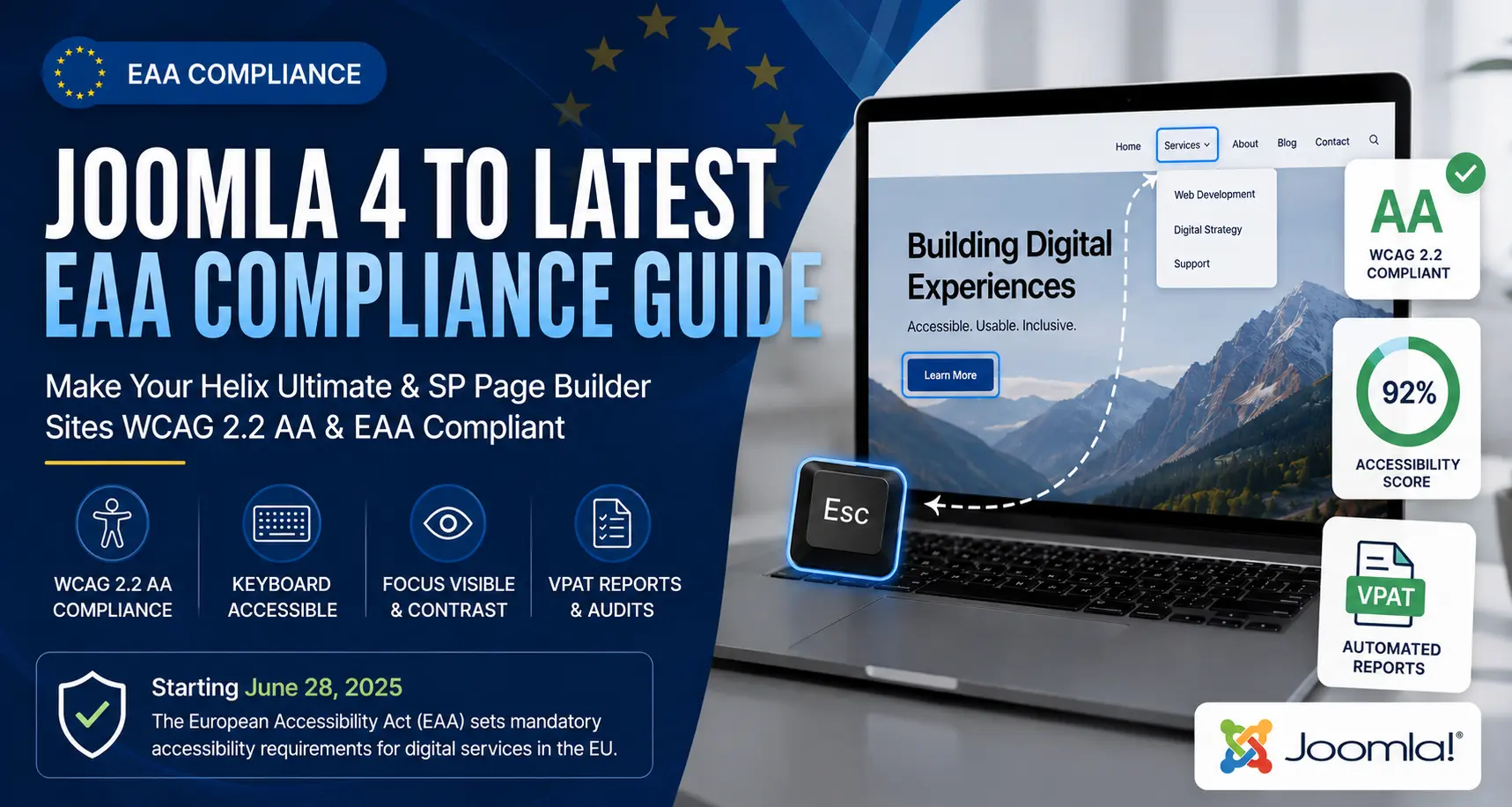
Starting June 28, 2025, the European Accessibility Act (EAA) enforces strict digital accessibility requirements across all EU member states. Unlike previous directives that primarily targeted public sector bodies, the EAA directly impacts private e-commerce sites, service providers, and business-to-consumer digital platforms operating within or selling into the European Union. For site owners utilizing Joomla 4 or Joomla 5, technical compliance requires auditing both core output and third-party extensions like Helix Ultimate and SP Page Builder against Web Content Accessibility Guidelines (WCAG) 2.2 Level AA.
Understanding the Scope of EAA for Commercial Joomla Websites
The EAA aligns its technical standard with EN 301 549, which references WCAG 2.2 AA criteria. Small businesses with fewer than 10 employees and less than €2 million in annual turnover may qualify for micro-enterprise exemptions under specific conditions, but agencies, larger businesses, and e-commerce platforms must conform. Failure to comply can result in financial penalties, operational bans, or court orders enforced by EU national market surveillance authorities.
For US-based organizations selling products or services into the EU market, EAA compliance is mandatory regardless of physical headquarters. Achieving compliance requires addressing common structural issues in page builders, navigation menus, form components, and color contrast ratios.
Fixing Common Accessibility Barriers in Helix Ultimate
The Helix Ultimate template framework provides a robust foundation, but standard configurations often include subtle WCAG 2.2 non-conformance points that require custom configuration or CSS overrides.
1. Accessible Navigation and Mega-Menus
Drop-down menus generated by page builders and frameworks frequently fail WCAG 2.1 Success Criterion 2.1.1 (Keyboard) if menu items cannot be triggered or dismissed using only the Tab and Escape keys. Ensure that top-level menu items with sub-menus use proper ARIA attributes:
<button aria-expanded="false" aria-haspopup="true" aria-controls="sub-menu-1" class="dropdown-toggle">
  Services
</button>
<ul id="sub-menu-1" class="dropdown-menu" aria-hidden="true">
  <li><a href="/services/web-dev">Web Development</a></li>
</ul>
In Helix Ultimate, verify that your navigation JS handles keydown events properly so that pressing Escape closes open menus and returns keyboard focus to the parent toggle button.
2. Focus Visible and Focus Appearance (WCAG 2.2 SC 2.4.13)
Standard CSS resets often disable outline styling on interactive elements using outline: none or outline: 0. WCAG 2.2 requires visual focus indicators to have sufficient contrast (at least 3:1 against surrounding colors) and sufficient area.
Add clear visual focus styles in your custom CSS file (/templates/shaper_helixultimate/css/custom.css):
a:focus-visible,
button:focus-visible,
input:focus-visible,
select:focus-visible,
textarea:focus-visible {
  outline: 3px solid #005a9c !important;
  outline-offset: 2px !important;
}
Addressing Accessibility Pitfalls in SP Page Builder
Page builders allow site builders to layout complex designs quickly, but drag-and-drop elements can introduce severe structural accessibility flaws if not configured deliberately.
Heading Hierarchies
A frequent failure under WCAG 1.3.1 (Info and Relationships) is skipped heading levels (e.g., using an <h4> directly inside a section after an <h1> for aesthetic sizing). When adding addons in SP Page Builder, decouple visual font size from semantic heading tags. Select structural headings sequentially (<h1> to <h2> to <h3>), and utilize custom CSS classes or design settings to control visual hierarchy.
Image Text Alternatives and Decorative Elements
Images that convey information require informative alt text. In SP Page Builder image blocks, explicitly fill out the Alt Text field. If an image is purely decorative, standard HTML rules state it should receive an empty attribute (alt=""). Ensure your layout does not generate redundant alternative text like "image1.jpg" or repeated link titles.
Color Contrast Minimums
Text elements must maintain a contrast ratio of at least 4.5:1 for normal text and 3:1 for large text (18pt or 14pt bold). SP Page Builder allows custom background colors on rows and columns; always verify overlay opacities and text color choices using an off-line contrast analyzer before publishing.
Automating Compliance Tracking and VPAT Generation
Ensuring compliance across dozens of pages and dynamic content updates requires continuous monitoring rather than one-time manual audits. Small businesses and agency teams need native tools to catch regression issues when clients update page builder layouts or introduce fresh media assets.
Using specialized native extensions like MuRu Compliance Auditor allows Joomla administrators to run continuous WCAG 2.2 AA and EAA scans directly inside the Joomla administrator backend. The extension tracks accessibility scores over time, highlights specific DOM elements failing contrast or structural rules, and automatically generates dated VPAT (Voluntary Product Accessibility Template) reports and PDF documentation necessary for client hand-offs and compliance verification.
Creating Accessible Joomla Forms
Forms rendered by extensions or native contact modules are critical conversion points that must be fully accessible under EAA requirements.
- Explicit Labeling: Avoid using only
placeholder="Name"as a substitute for an explicit<label>. Screen readers do not consistently announce placeholders, and placeholders vanish once the user types. - Error Identification: When form submission fails, highlight the problematic inputs visibly and connect the error text programmatically using
aria-describedby. - Status Messages: Use
aria-live="polite"regions so that dynamic submission messages are read automatically to screen reader users without stealing focus.
Accessibility compliance is not a static milestone, but an ongoing operational standard. Integrating keyboard navigation checks, automated contrast validation, and dynamic VPAT generation into your site maintenance routine safeguards your organization against legal liability while ensuring an inclusive web experience for all users.
Comments (0)
No comments yet. Be the first to comment!