
MuRu Cart Plus 1.0.0 Released: Sticky Add-to-Cart, Free-Shipping Bar, Add-ons and a Pro Floating Cart

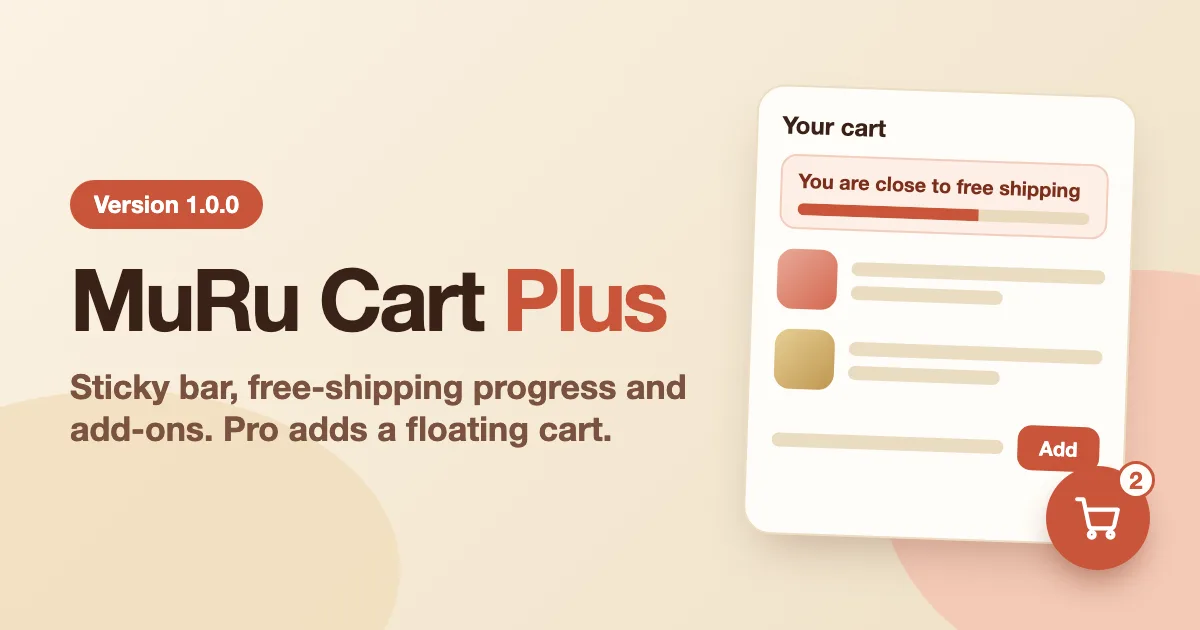
MuRu Cart Plus helps an EasyStore shop turn more visitors into buyers. It keeps the buy button in reach on long product pages, shows how close a cart is to free shipping, offers your cross-sell products before the cart page, and, with Pro, puts a floating cart on every page of your site. It does this without touching your template or EasyStore, so a template or EasyStore update does not remove it.
Quick answer
Install the free package, open the plugin settings and switch on the parts you want. For the shipping bar, enter the amount that earns free shipping and set the same rule in EasyStore. Add Pro later if you want the floating cart and more styles.
Independent product
EasyStore is made by JoomShaper. MuRu Cart Plus is made by Lyzerslab and is not made, sold, supported or endorsed by JoomShaper.
- Why a cart add-on
- The sticky add-to-cart bar
- The free-shipping progress bar
- One-click add-ons
- Several currencies and languages
- What Pro adds
- Built so updates do not remove it
- Get started
- Frequently asked questions
Why a Cart Add-on
EasyStore already has a cart drawer, a quick-add modal, compare, a wishlist and cross-sells under the cart page. What a shop owner often misses is the help around those: a buy button that stays in reach on a long product page, a hint that free shipping is close, and the cross-sells showing up before the customer reaches the cart page. MuRu Cart Plus adds those and leaves the rest of EasyStore alone.
The Sticky Add-to-Cart Bar
On a long product page the add-to-cart button scrolls away. Once it does, a bar with the product picture, name, price and a button stays at the bottom of the screen, so the customer never has to scroll back up to buy.
The important part is what the button does: it presses EasyStore's own add-to-cart button. Variants, quantity, stock and catalog-mode rules all work as they do on the page. If the real button is not ready, for example no variant is chosen yet, the bar takes the customer to it. You can show the bar on phones and tablets only, and use your own button text.
[SCREENSHOT: a product page scrolled down with the sticky bar at the bottom]
The Free-Shipping Progress Bar
A message such as "Add $12 more to get free shipping" and a progress bar, in the cart page, the cart drawer and at checkout, in any combination. When the amount is reached the message changes and the bar turns green. It updates by itself when the cart changes. A visible goal gives customers a reason to add one more item.
It only shows a message
The bar does not give free shipping. Create the free-shipping rule in EasyStore with the same amount, so the bar and the real shipping cost agree.
[SCREENSHOT: the cart drawer with the free-shipping progress bar]
One-Click Add-ons
You may already have chosen cross-sell products in EasyStore. EasyStore shows them under the cart page. MuRu Cart Plus shows the same products in the cart drawer and at checkout, with an Add button. The new item appears in the drawer and the cart count updates at once, with no page reload.
A product with variants shows Choose options and links to its page, because a variant needs a choice. A product already in the cart is not offered again. If you have not set up any cross-sells, nothing is shown. The free add-on offers up to three suggestions; Pro raises that to six.
[SCREENSHOT: the cart drawer with the add-ons box]
Several Currencies and Languages
Several currencies
On a shop with EasyStore's multi-currency, the shipping bar reads the total the visitor sees and writes the missing amount in their currency. Type an amount for each currency, or let EasyStore's exchange rate decide.
Every language
Headings and messages come from language files, so each language of a multilingual site gets its own wording. Product names and prices follow EasyStore's own translations.
What Pro Adds
Pro is a separate add-on that installs on top of the free one and switches on once you enter your license key.
Floating cart
A cart button or a bar on every page that opens EasyStore's cart drawer, left or right, with pages to leave it off and an only-with-items option.
Styles and your colours
Shapes, sizes and motion for the floating cart, a card or slim-line sticky bar, your Helix template's colour preset, Light, Accent or Dark, and your own CSS.
License and updates
Activate and verify your key in the plugin, check for updates, and get up to six one-click add-ons.
If a Pro license ends, the Pro options switch off and the free add-on keeps working. Your Pro settings stay saved.
[SCREENSHOT: the floating cart on a home page]
Built So Updates Do Not Remove It
Its own plugin
Own files, own media folder, own settings. No template overrides and no edits to EasyStore.
Switches off safely
Each part looks for its place on the page first. If an update moved it, that part does nothing and the shop keeps working.
See before visitors do
A panel says what is showing and why something is not, and a preview shows every part to administrators only.
Get Started
Quick reference
- Download the free package from your Lyzerslab dashboard and install it in Joomla (System, Install, Extensions).
- Open System, Plugins, System - MuRu Cart Plus (for EasyStore).
- Choose the parts you want. For the shipping bar enter the amount and set the same rule in EasyStore.
- Switch on Preview for administrators to see every part at once.
- Want Pro? Install the Pro package on top, then paste your key in its License tab and press Activate.
Frequently Asked Questions
Will a template or EasyStore update remove it?
No. It is its own plugin and never edits the template or EasyStore. If an update changes the markup a part depends on, that part switches itself off instead of breaking the page.
Does the free-shipping bar set up free shipping?
No. It only shows the message. Set the rule in EasyStore with the same amount.
Where do the add-ons come from?
From the cross-sell products you already set up in EasyStore.
Do I need Pro?
No. The free add-on does the core job on its own. Pro is for the floating cart, more styles, your template's colours and your own CSS.
What does it cost?
The free edition costs nothing and needs a Lyzerslab account to download. Pro prices are on the pricing page.
MuRu Cart Plus is a small add-on that helps an EasyStore cart do a little more, without a single change to your template. Try it on a staging copy first, switch on the parts you want, and see how your cart feels.
MuRu Cart Plus
A sticky add-to-cart bar, a free-shipping progress bar and one-click add-ons for EasyStore. Free, with Pro for the floating cart and more.
Comments (0)
No comments yet. Be the first to comment!