Lyzerslab

MuRu Migration

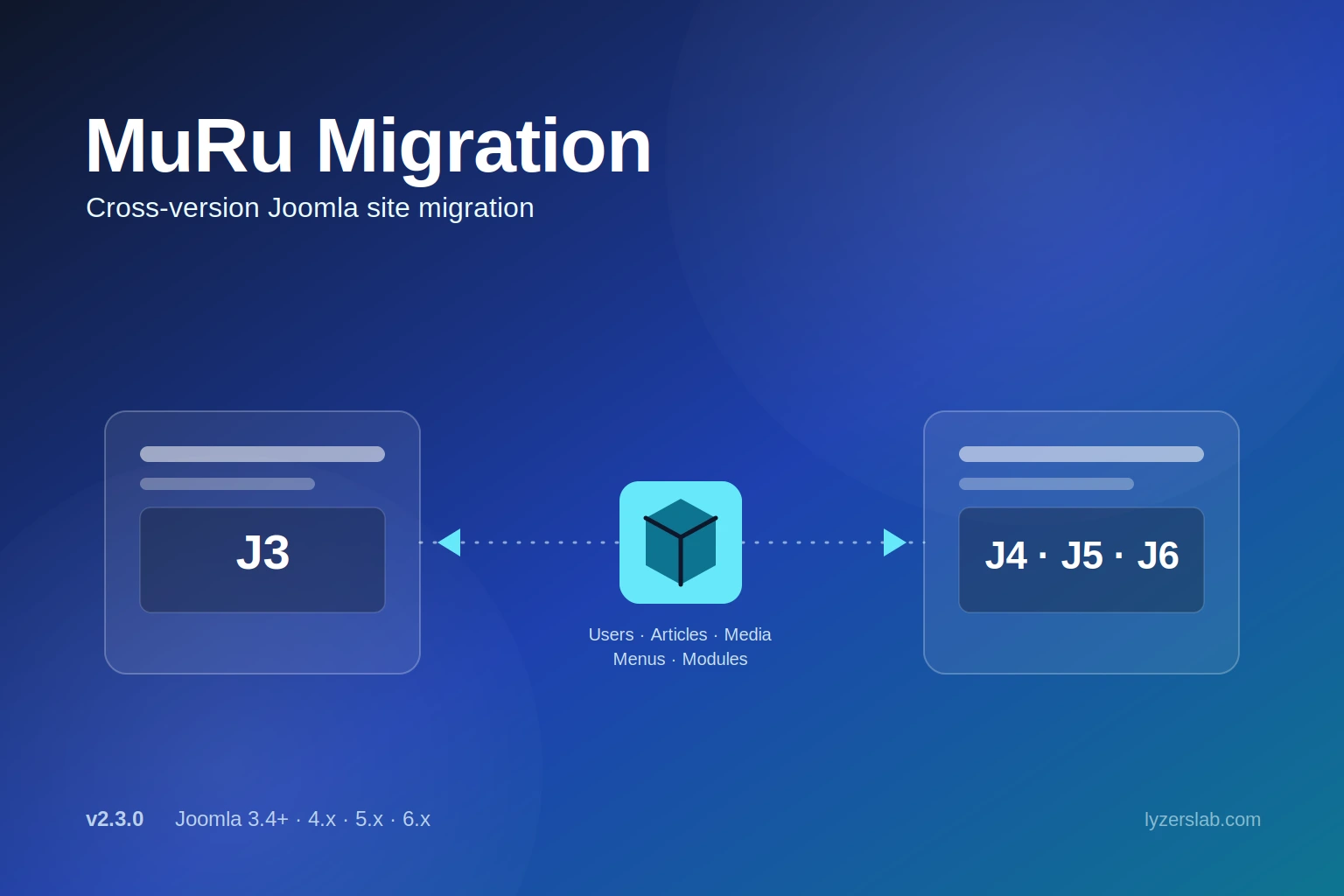
Export and import complete Joomla site content -- users, articles, media, menus, and modules -- across Joomla 3, 4, 5, and 6. Dry-run previews, dependency-aware ID remapping, and a one-ZIP Full Migration mode make version upgrades and site moves safer.

Current release: v2.3.0 · Joomla 3.4+, 4.x, 5.x, and 6.x

J3 – J6

Cross-Version

1 ZIP

Full Migration

Dry Run

Every Import

Auto

ID Remapping

2

Joomla Packages

GPLv3

License

Overview

MuRu Migration is a Joomla administrator component for moving a site's content between installs, including across major Joomla versions. It exports modules, menus, articles, categories, and users -- with their full configuration -- to portable JSON and ZIP files, and imports them back on any Joomla 3.4+, 4.x, 5.x, or 6.x install.

It is the renamed continuation of the Easy Import/Export component (com_easyimportexport), now distributed as com_murumigration. Existing installs of the older component are migrated to the new database tables automatically.

What's New in 2.3.0

Full Migration tab

A new default "Full Migration" tab packs the entire site -- users, groups, articles, categories, images, menus, and modules -- into a single portable ZIP (manifest.json plus per-section files). Importing it runs everything in one pass, in dependency order, with menu assignments, alias targets, and article links remapped automatically. Dry-run previews the whole import section by section.

Advanced tabs kept for selective work

The per-type tabs -- Modules, Menus, Articles, Users -- remain available under Advanced when you only need to move one thing.

Uninstall cleanup fixed

The extension's uninstall SQL now drops both the current #__murumigration_idmaps table and the legacy #__easyimportexport_idmaps table from earlier installs.

Full Migration (All-in-One)

Full Migration is the default way to move an entire site in one step. One export produces a single ZIP -- users, groups, articles, categories, images, menus, and modules, packaged as a manifest.json plus per-section files. Drop that ZIP on another Joomla site and everything imports in one pass, in the correct dependency order: users → articles → menus → modules.

Menu assignments, alias targets, and article links are remapped automatically during that same pass, using in-memory ID maps built as each section imports. Dry run previews the whole import, section by section, before anything is written.

Core Features

Full Migration

  • One export, one import for the whole site
  • Users, groups, articles, categories, images, menus, and modules in a single ZIP
  • Imports in dependency order automatically
  • Dry-run preview covers the entire migration, section by section

Dry Run (Preview Mode)

  • Available for every import, not just Full Migration
  • Shows items to import, update, or skip
  • Flags missing module types or components on the target
  • Reports which references can or can't be remapped
  • Zero database writes

Cross-Version ID Remapping

  • Old-to-new ID maps stored per source site
  • Module menu assignments remapped to target IDs
  • Alias menu item targets remapped
  • com_content article links in menus remapped

Menu & Category Tree Safety

  • Imported items never reuse the source site's lft/rgt/level/path values
  • Menu tree rebuilt after every menu import
  • Category tree rebuilt after every category import
  • Importing onto a non-empty site no longer corrupts existing trees

ZIP-Based Media Export

  • Article exports ship as a ZIP: data.json plus a media/ folder
  • Covers intro, full-article, inline, and CSS background images
  • Supports JPG, PNG, GIF, WebP, SVG, BMP, ICO up to 10 MB each
  • Legacy .json (base64) exports still import for backward compatibility

Users, Groups & Profiles

  • Password hashes preserved -- no forced reset
  • Groups matched by title, not ID, across sites
  • Missing groups created under the correct parent automatically
  • Profile data (#__user_profiles) restored alongside the account

Modules & SP Page Builder

  • Full config preserved: params, position, ordering, access, language
  • Menu assignments preserved and remapped on import
  • SP Page Builder content (#__sppagebuilder) exported and restored automatically
  • Module type validated on the target before import

Cross-Version Compatibility

  • Export from Joomla 3, 4, 5, or 6 -- import into any other
  • Schema differences between versions handled automatically
  • Column-filtering skips fields the target table doesn't have
  • Version-specific columns (e.g. authProvider) included only when supported

Modules

Export scope

Export selected modules or all modules at once, filterable by client -- Site, Administrator, or both.

Full configuration preserved

Params, position, ordering, access levels, and language all come across intact.

Menu assignments

Which pages each module appears on is preserved and remapped through the stored menu ID map on import.

SP Page Builder support

mod_sppagebuilder modules automatically bring their content from the #__sppagebuilder table with them.

Overwrite matching

Import can match existing modules by ID or by title + type when overwrite is enabled.

Type validation

Module types are checked against what's installed on the target; unrecognized types are skipped with a warning instead of importing broken.

Articles & Categories

Export scope

Export selected articles, all articles, articles filtered by category, or categories only.

Full content preserved

Introtext, fulltext, images, URLs, metadata, featured flag, and custom fields all come across.

ZIP-based media

Article exports produce a .zip with a clean data.json plus a media/ folder of raw image files -- intro, full-article, inline <img>, and CSS background images.

Supported formats

JPG, JPEG, PNG, GIF, WebP, SVG, BMP, ICO, up to 10 MB per file.

Import formats

Accepts both .zip (recommended) and legacy .json exports for backward compatibility.

Category tree safety

Category hierarchy (parent-child, level, path) is preserved, parents resolved by remapped ID or alias, and the category tree is rebuilt after import so existing categories aren't corrupted.

Overwrite matching

Articles matched by ID or alias; categories matched by alias + extension.

Users

Export scope

Export selected users or all users, optionally filtered by user group.

Data preserved

Name, username, email, password hash, registration date, last visit, and block status.

Groups matched by title

Source group IDs aren't assumed to exist on the target -- groups match by title, missing ones are created under the correct parent, and the usergroup tree is rebuilt afterward.

Profile data restored

#__user_profiles data comes across alongside the account.

Passwords preserved

Password hashes are kept as-is, so users log in with their existing password on the new site.

Duplicate handling

Import matches by ID, username, or email; users with an existing username or email are skipped unless overwrite is enabled.

Migration-Safe Importing

Introduced in 2.2.0, this is what makes importing onto a site that already has real content safe rather than destructive.

Dry run for every import

Preview items to import/update/skip, missing module types or components, and remappable references -- with zero writes -- before running the real import.

Nested-set safety

Imported menus and categories no longer carry the source site's lft/rgt/level/path; the target's trees are rebuilt after import instead, so existing menus and categories stay intact.

Cross-import ID remapping

Each import stores old-to-new ID maps per source site in #__murumigration_idmaps. Importing in the recommended order -- users, then articles/categories, then menus, then modules -- lets each later import remap its references to the correct target IDs automatically.

Home page conflict handling

One home page per language is enforced; a conflicting imported home item is disabled on import, with a warning, instead of creating a duplicate.

User groups matched by title

Group IDs differ between sites, so groups are matched by title. Missing groups are created with the correct parent, and the usergroup tree is rebuilt -- so memberships never land on unrelated groups due to ID collisions.

Cross-Version Support

A column-filtering layer (filterColumns()) in both editions automatically handles schema differences between Joomla versions, so an export from one version imports cleanly into another.

Unknown columns skipped

Columns present in the export but not in the target database table are silently skipped rather than causing an error.

Version-specific columns handled

Columns like checked_out (NOT NULL in Joomla 4, nullable in 5+) are handled correctly for whichever version is on the receiving end.

Optional columns included when supported

The authProvider column (Joomla 5+ only) is included when the target supports it, and ignored when it doesn't.

Any direction works

J3 exports import cleanly into J4/5/6, and J4/5/6 exports import cleanly back into J3.

Packages & Requirements

Both packages produce the same JSON/ZIP export format, so files move freely between them.

J4/5/6 Edition

  • Joomla 4.0+ / 5.x / 6.x
  • PHP 8.1+
  • Namespaced modern MVC
  • Full dark mode support in the admin UI
  • File: MuRu-Migration_J4-5-6_v2.3.0.zip

J3 Edition

  • Joomla 3.4 – 3.10
  • PHP 5.6+
  • Legacy MVC
  • Same JSON/ZIP export format as the J4/5/6 edition
  • File: MuRu-Migration_J3_v2.3.0.zip

License: GNU General Public License v3 or later. Formerly distributed as "Easy Import/Export" (com_easyimportexport) -- existing installs migrate to com_murumigration automatically.

Installation

Joomla 4 / 5 / 6

  1. Download MuRu-Migration_J4-5-6_v2.3.0.zip
  2. Go to System > Install > Extensions
  3. Upload the ZIP file and install
  4. Open Components > MuRu Migration

Joomla 3

  1. Download MuRu-Migration_J3_v2.3.0.zip
  2. Go to Extensions > Extension Manager > Upload Package File
  3. Upload the ZIP file and install
  4. Open Components > MuRu Migration

Step-by-Step Migration Runbook

A full Joomla 3 → Joomla 4/5/6 move using Full Migration or the per-type tabs:

Part 1 — On your Joomla 3 site (source)

  1. 1Install MuRu-Migration_J3_v2.3.0.zip via Extensions > Manage > Install > Upload Package File.
  2. 2Open Components > MuRu Migration.
  3. 3Export in order and save each file: Users tab (Export All) -> Articles tab (Export All Categories, then All Articles) -> Menus tab (Export All Site Menus) -> Modules tab (Export All).

Part 2 — On your Joomla 4/5/6 site (target)

  1. 1Install MuRu-Migration_J4-5-6_v2.3.0.zip via System > Install > Extensions.
  2. 2Open Components > MuRu Migration.
  3. 3Import in the same order -- Users, then Articles, then Menus, then Modules -- ticking Dry run (preview only) first for each one, then unticking it and importing for real.
  4. 4After the last import: set the home page under Menus, review module positions (J3's Protostar positions differ from J4+'s Cassiopeia), and clear the Joomla cache under System > Clear Cache.

Rules that make it work

Order matters: users → articles/categories → menus → modules. Later imports remap references using ID maps recorded by earlier ones.

Always dry run first -- it reports missing module types/components and anything that can't be remapped before anything is written.

Overwrite is only for re-running an import to update existing items (matched by ID/alias/username). Leave it off for a first migration.

Files exported from any version import into any other version -- J3 ↔ J4 ↔ J5 ↔ J6.

Frequently Asked Questions